ADB
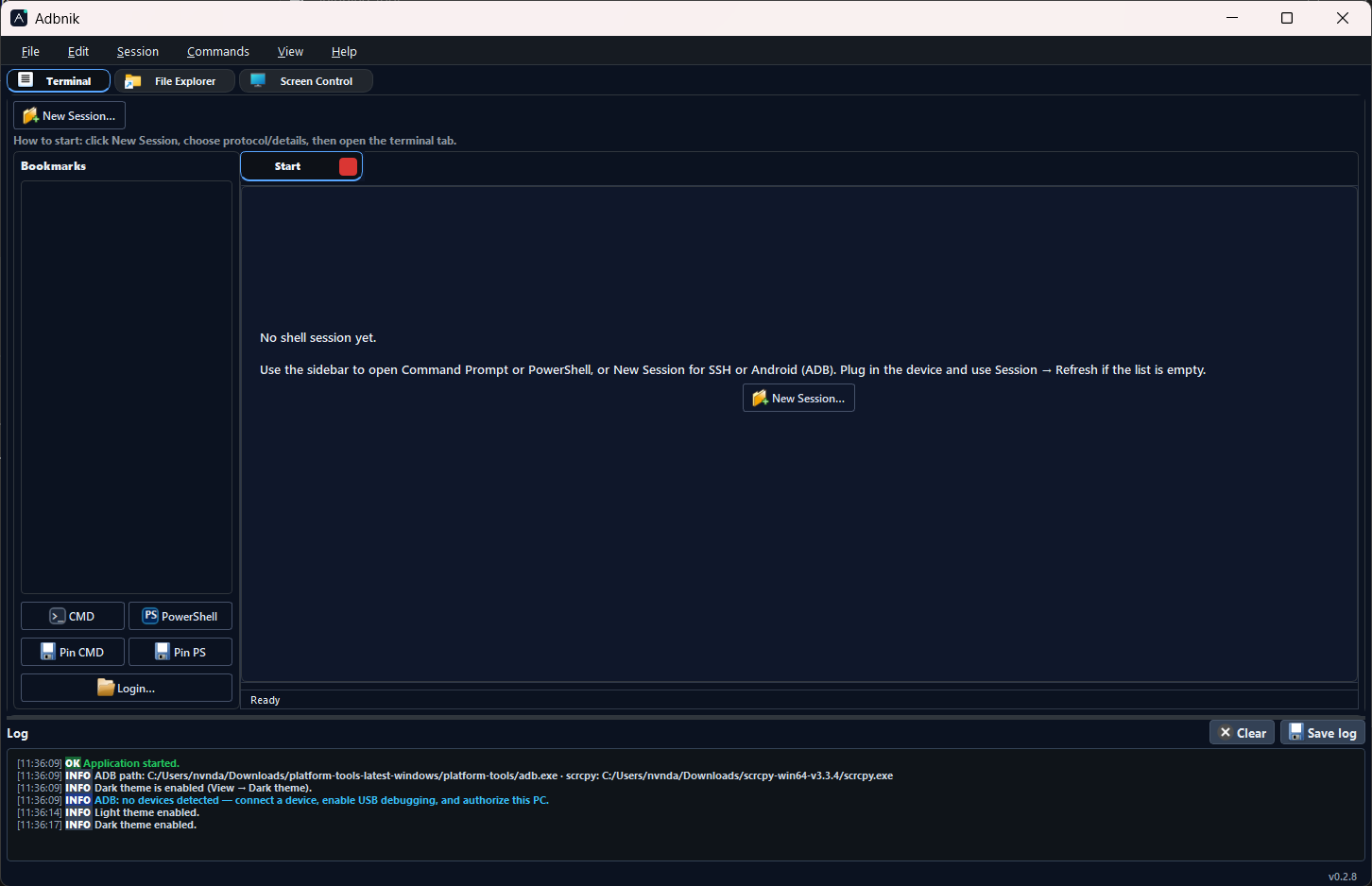
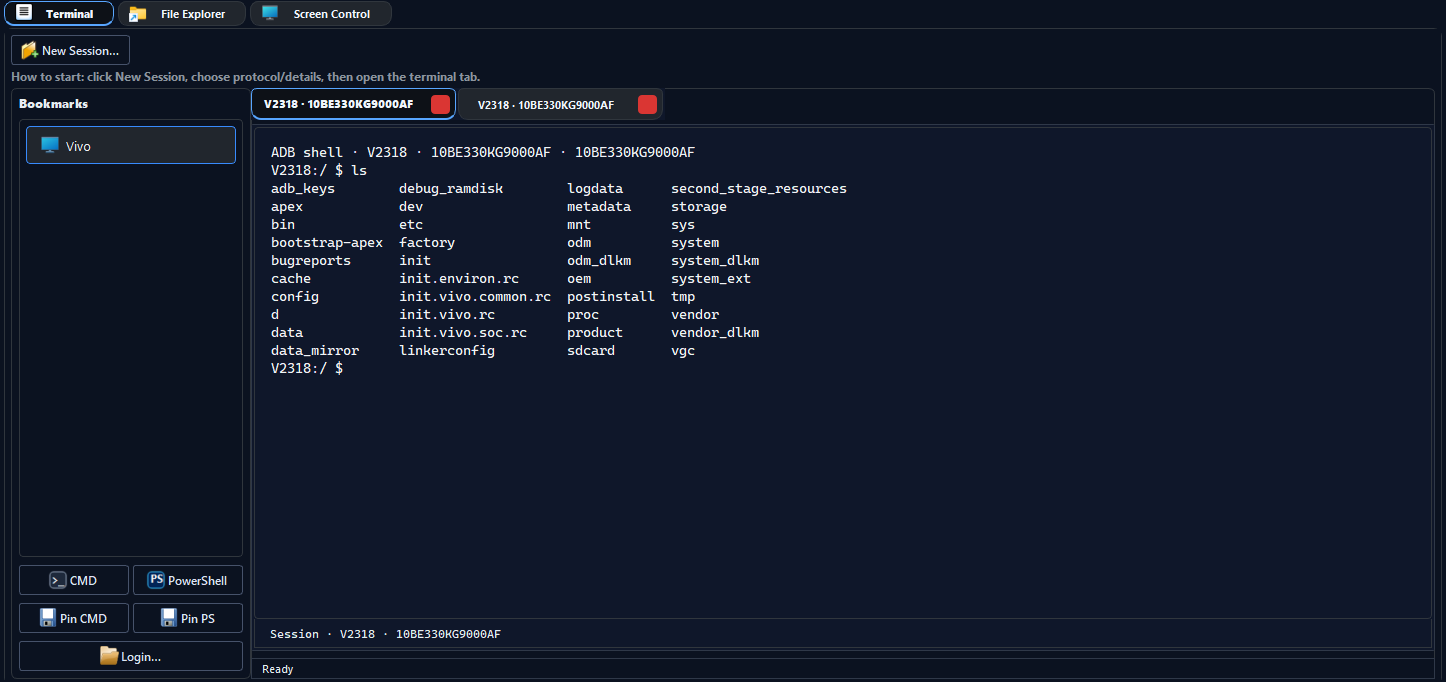
Device list, shell tabs, APK install flow, bookmarks, and quick actions.
v6.1.3
Desktop · Windows (primary) · Linux & macOS via pip
Adbnik is a PyQt5 application: ADB sessions and device tools,
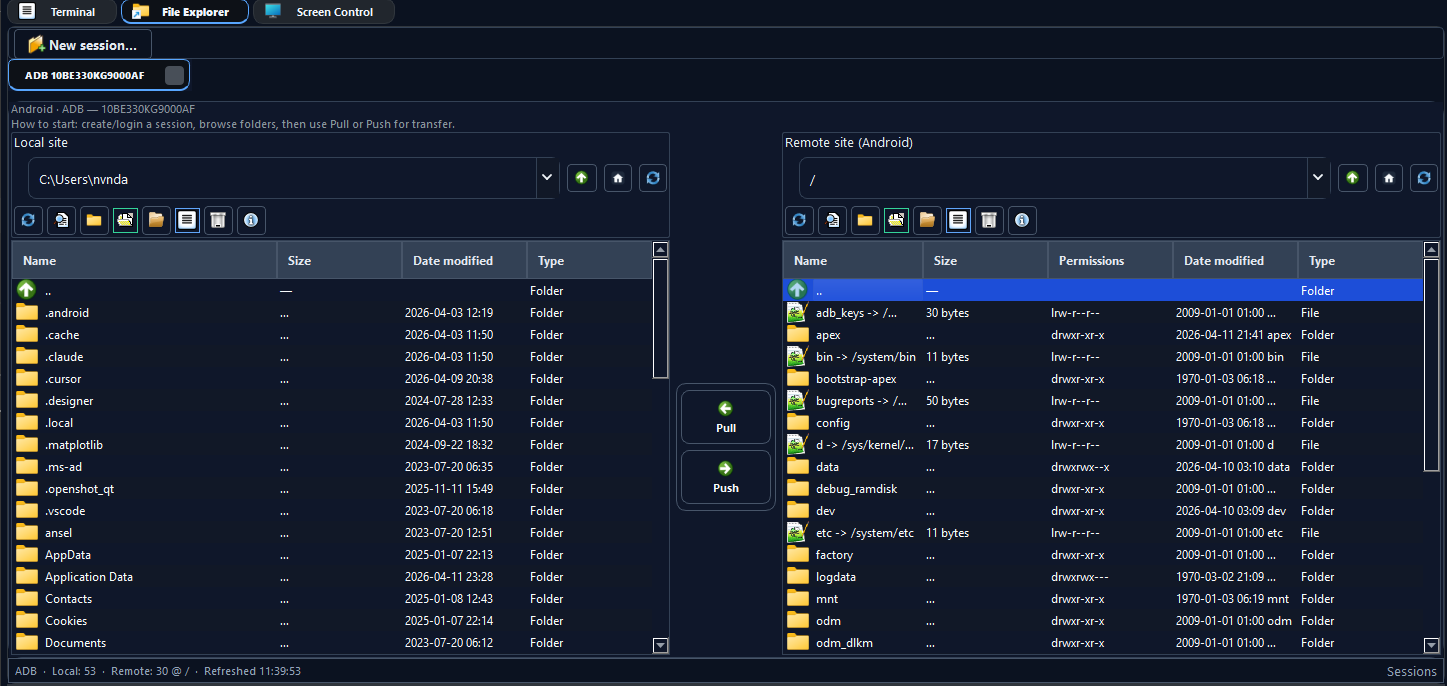
SSH and serial terminals, local ↔ remote files
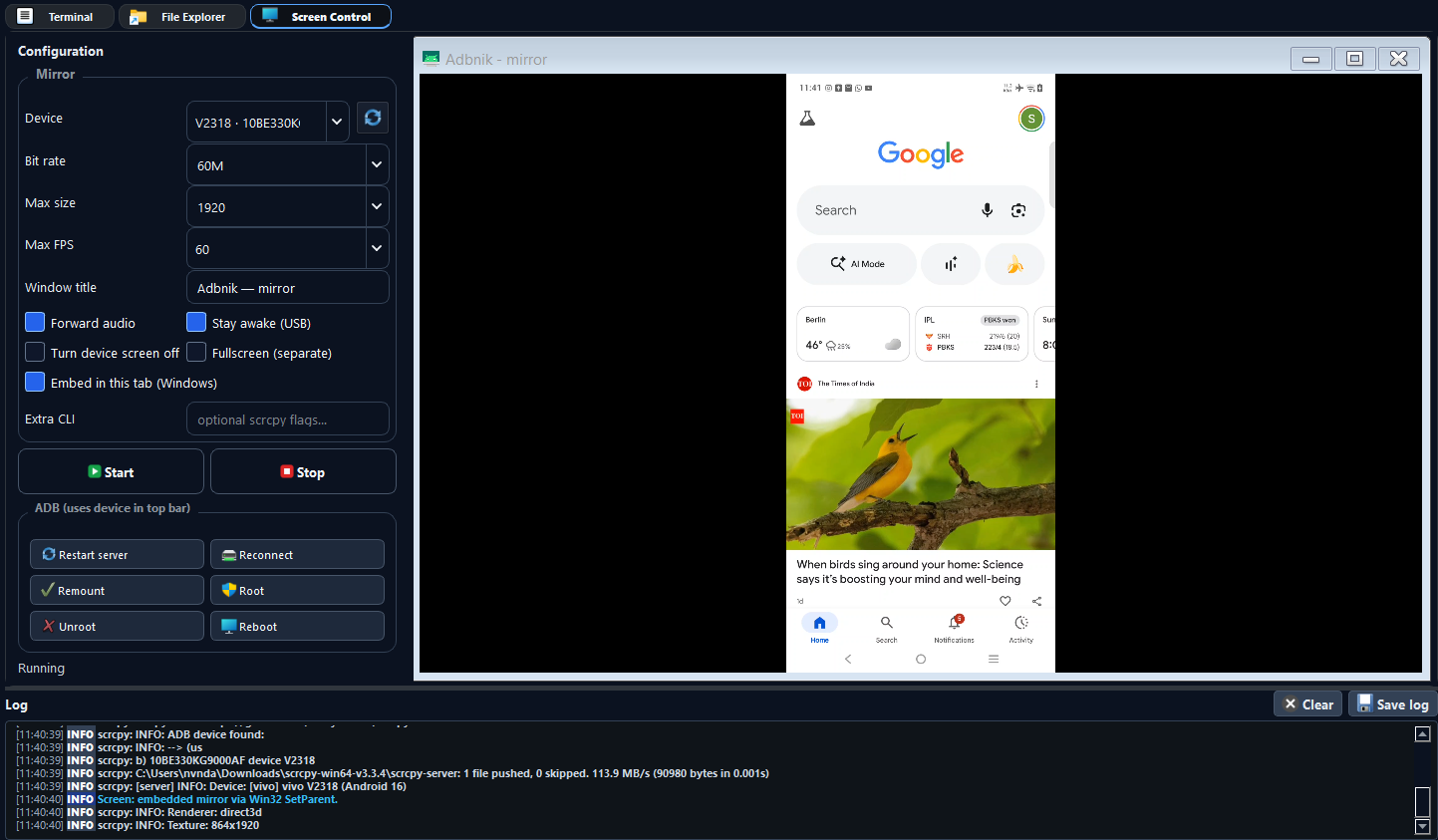
(device, SFTP, FTP), and screen mirroring—organized in one place.
External tools (adb, ssh, scrcpy) come from your system; configure paths in preferences if needed.
The same package installs from PyPI on Windows, Linux, and macOS where PyQt5 runs. The native installer, desktop shortcut helper (adbnik-setup), embedded scrcpy tab, and local CMD/PowerShell tabs are Windows-only; other platforms use your system shells and a separate mirror window.
Capabilities
Device list, shell tabs, APK install flow, bookmarks, and quick actions.
Full-screen terminal using your system OpenSSH client.
COM port and baud configuration in the UI.
Dual-pane explorer: local disk ↔ Android / SFTP / FTP.
Start and manage mirroring with your chosen executable (e.g. scrcpy).
After install, run adbnik-setup to place a desktop shortcut with the app icon.
Quick start
py -m pip install --upgrade adbnik
py -m adbnik
Use the same interpreter for pip and launch. Full instructions and troubleshooting are in the README.
Interface